文章目录
Windows 11 系统可通过 Windows Update 安装,只需要按 Windows+I 键打开“设置”,然后选左边的“Windows 更新”,点击“检查更新”即可。部分设备可能会自动安装。
Windows 10 和 Windows Server 系统:需手动从 Microsoft Update Catalog 下载,在网站上搜索时可参阅下方的 KB 号。
Windows 11 25H2 / 24H2:KB5078127
Windows 11 企业版 25H2 / 24H2(热补丁):KB5078167
Windows 11 23H2:KB5078132
Windows 10 ESU (22H2) / Windows 10 企业版 LTSC 2021:KB5078129
Windows Server 2025:KB5078135
Windows Server 2025 Datacenter Azure (热补丁):KB5078239
Windows Server 23H2:KB5078133
Windows Server 2022:KB5078136
Windows Server 2022 Datacenter Azure 版(热补丁):KB5078238
Windows Server 2019 / Windows 10 企业版 LTSC 2019:KB5078131
目录
科技媒体 BornCity 1 月 24 日发文,报道称微软于 1 月 13 日发布了 Win11 系统 24H2/25H2 累积安全更新 KB5074109,但部分用户安装后发现,Outlook 经典版在接收 POP 邮件时会出现卡死 / 无响应问题。
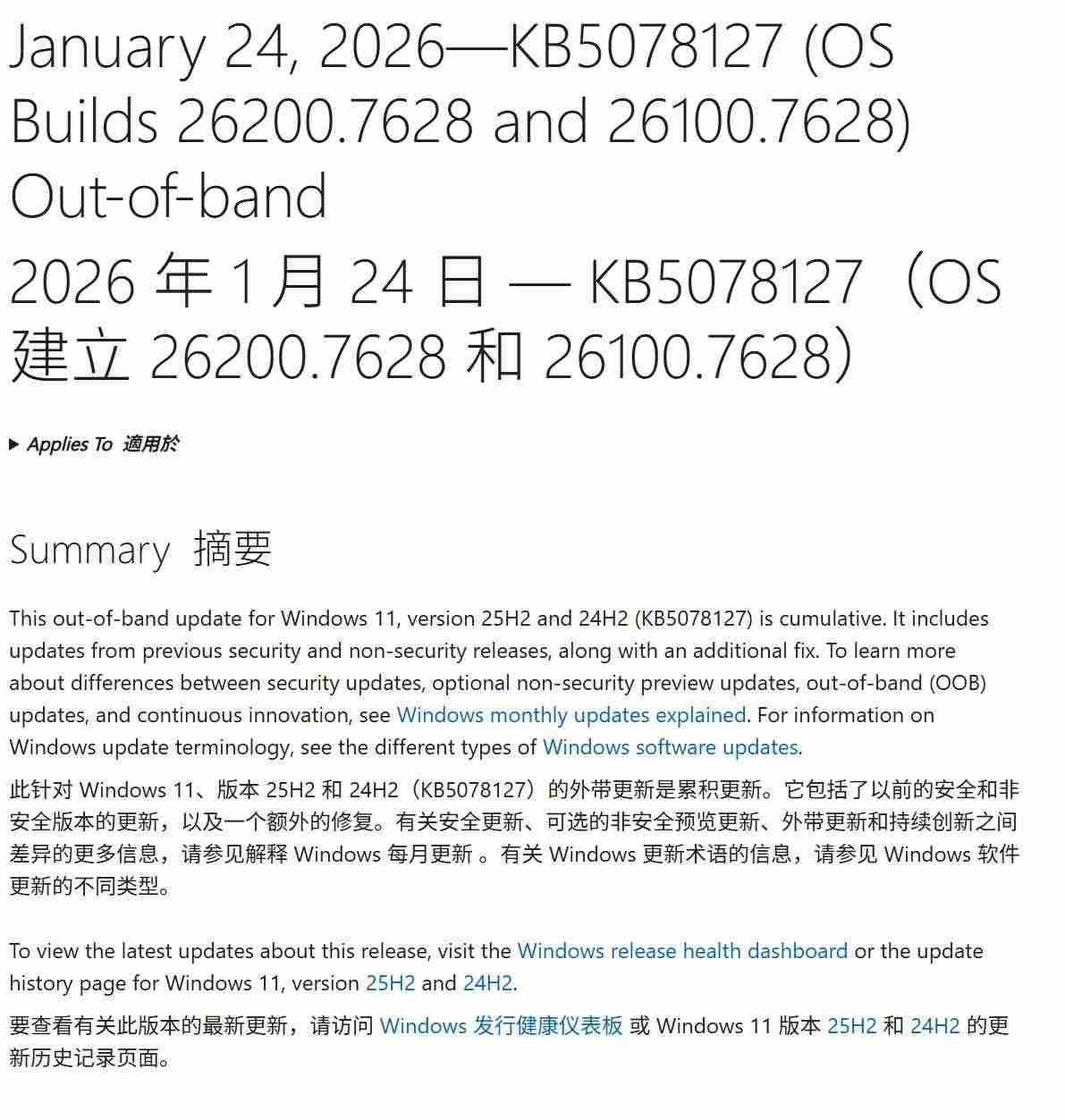
而微软官方在昨天为多个 Windows 版本发布了紧急带外更新 KB5078127,旨在修复 OneDrive、Dropbox 等云存储应用读写文件时可能出现的程序卡死问题,同时还修复了 Outlook 经典版的相关故障。
附该补丁安装方法、各系统对应 KB 版本号如下:
Windows 11 系统可通过 Windows Update 安装,只需要按 Windows+I 键打开“设置”,然后选左边的“Windows 更新”,点击“检查更新”即可。部分设备可能会自动安装。
Windows 10 和 Windows Server 系统:需手动从 Microsoft Update Catalog 下载,在网站上搜索时可参阅下方的 KB 号。
- Windows 11 25H2 / 24H2:KB5078127
- Windows 11 企业版 25H2 / 24H2(热补丁):KB5078167
- Windows 11 23H2:KB5078132
- Windows 10 ESU (22H2) / Windows 10 企业版 LTSC 2021:KB5078129
- Windows Server 2025:KB5078135
- Windows Server 2025 Datacenter Azure (热补丁):KB5078239
- Windows Server 23H2:KB5078133
- Windows Server 2022:KB5078136
- Windows Server 2022 Datacenter Azure 版(热补丁):KB5078238
- Windows Server 2019 / Windows 10 企业版 LTSC 2019:KB5078131
 编程部落
编程部落